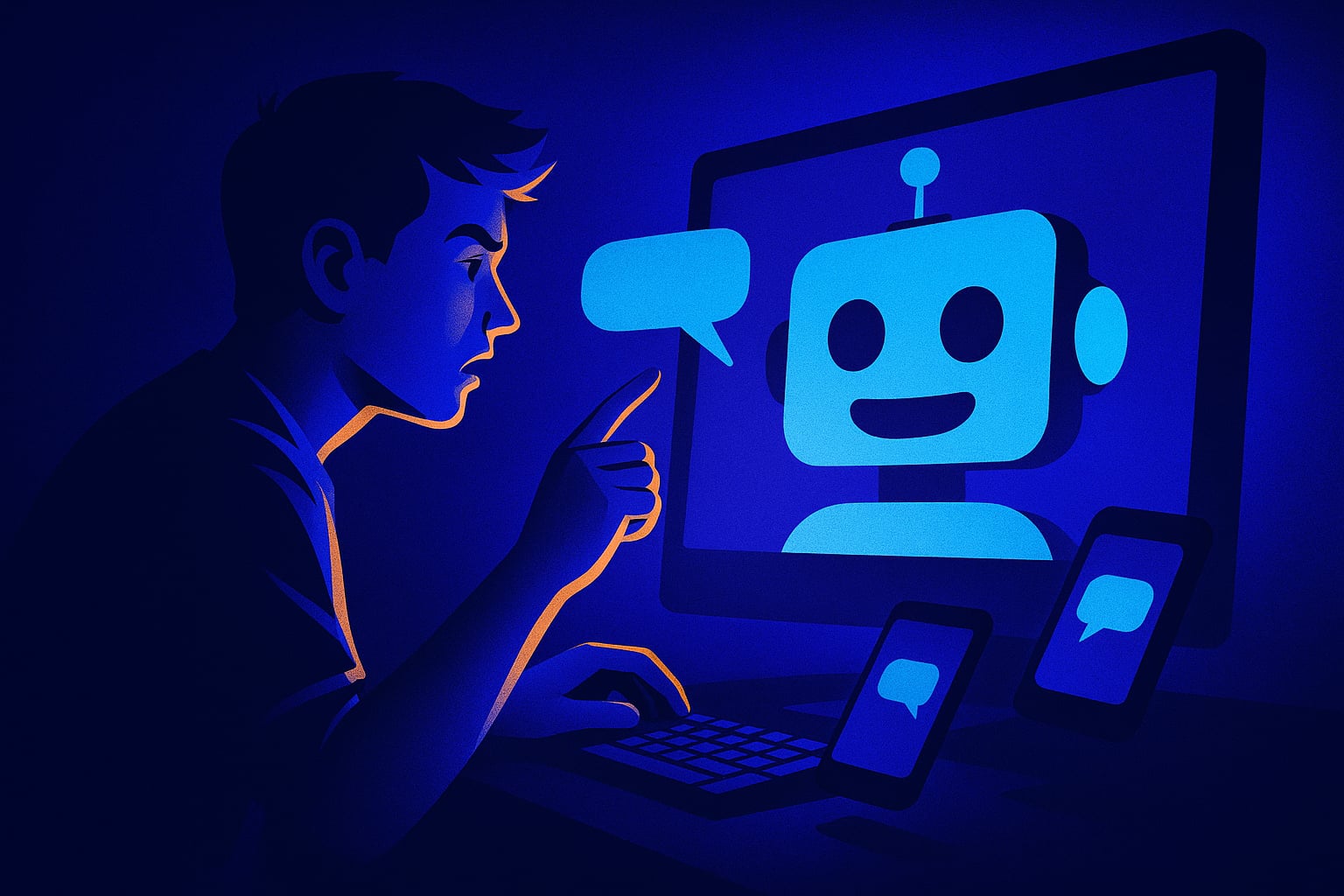
Automating too much in a Discord server trains members to expect bot responses instead of human ones. The fix is knowing which interactions should stay human, and which ones are safe to hand off.
I automated everything because I was exhausted
My server had 230 members and I was running it alone. Someone would ask a question, I'd answer it. Someone would join, I'd welcome them. Someone would post art, I'd react. I was the engine keeping the whole thing moving, and it was burning me out by week three.
So I did what every burned-out server owner does. I automated everything. Bot welcomes every new join. Bot answers common questions with a trigger command. Bot reacts with an emoji on every post in #art-share. Bot posts a 'good morning' message at 9am. Bot bumps the server every two hours. I set it all up in one evening using BuildMyDiscord and felt like a genius.
For about four days, it felt like progress. The server looked active. Messages were happening. I wasn't glued to my phone.
Then I noticed something that took me too long to name
My members had stopped talking to each other. Not slowly. Basically all at once, around day nine or ten.
I went back through the logs and found the pattern. Every question someone posted got answered by the bot before any human could reply. The bot was faster. It was always there. So members stopped even waiting for a person. They'd ask, get the bot answer, and leave the channel. Nobody had a reason to jump in anymore because the bot had already handled it.
The #art-share channel was the worst. The bot auto-reacted to every post with a clapping emoji. Real members stopped reacting because it felt redundant. The bot had already 'done' the acknowledgment. So posts would go up, get one clap from a bot, and sit there with nothing else. It actually looked lonelier than before I added any automation.
The 'good morning' message was the most insidious one. Members would reply to the bot. Full conversations, directed at a bot. Nobody tagging each other, nobody starting threads with friends. Just talking into a scheduled message like it was a chat assistant.
I pulled half the automations out inside two days. Killed the auto-react, killed the Q&A triggers, moved the welcome back to a human template that didn't try to fake personality. I kept the bump bot and the moderation stuff because those actually don't touch conversation. Within a week, members were answering each other's questions again. Not because they had to. Because there was space for them to.
The line I now draw in every server
There are two types of tasks in a Discord server. Ones that exist in the background and ones that fill conversational space. Background tasks are fine to automate: logging, moderation, role assignment, bump scheduling, server stats. None of those replace a human interaction, they just handle admin.
Conversational space is different. Welcoming someone, reacting to creative work, answering a question someone posted in public, celebrating a member's milestone. These are the moments where members form an opinion about whether the server feels alive. If a bot fills those moments, members don't feel welcomed by a community. They feel processed by a system. And processed people don't come back.
When I set up servers now with BuildMyDiscord, the first thing I configure is what the bot should never do. Not just what it should do. The 'never' list is actually more important. Never auto-react to member posts. Never answer questions that a human could answer in under a minute. Never fill silence with scheduled content just because the channel is quiet. Silence means the community needs something real, not more noise.
The servers that feel alive are almost always under-automated on the human-facing side. They have enough automation to keep the admin side from eating the owner alive, and zero automation pretending to be a person.
Frequently Asked Questions
Yes. When bots fill conversational space, like answering questions or reacting to posts, members stop engaging with each other. The server looks active but real community interaction drops off fast.
Background admin tasks are safe: moderation, role assignment, server bumping, logging, join/leave tracking. Anything that touches direct member interaction, like welcomes, reactions to posts, or public Q&A, should stay human or be very carefully limited.
Because bots are fast and always available. If a bot answers every question before a human can, members learn to expect bot responses and stop waiting for people. Over time, real conversation drops out of the habit loop entirely.
Check your logs for the last 7 days and count how many member messages are replies to bot posts versus replies to other members. If most activity is member-to-bot, you have too much automation filling conversational space.
Build yours in about 3 minutes
Stop wiring up channels by hand. Describe it, and it builds itself.
Tell the AI what your community is for and get a full Discord server back, channels, roles, permissions and a management bot, ready before your coffee is.
Build my server freeRelated articles
I copied my Discord server's activity by faking it for three days. My real members never noticed. Then they did.
I seeded fake activity in my Discord server to kick-start conversations. It worked, then collapsed. Here's the exact moment it turned.
I gave my Discord server a 'dead hours' problem and fixed it by accident with one stupid small change
My Discord was active for 2 hours a day and silent for 22. I tried everything obvious. The fix was embarrassingly simple.
I made my Discord server's channel count visible to new members. They left faster than ever before.
I thought showing 34 active channels would impress new members. It did the opposite. Here's the number that actually broke my server.