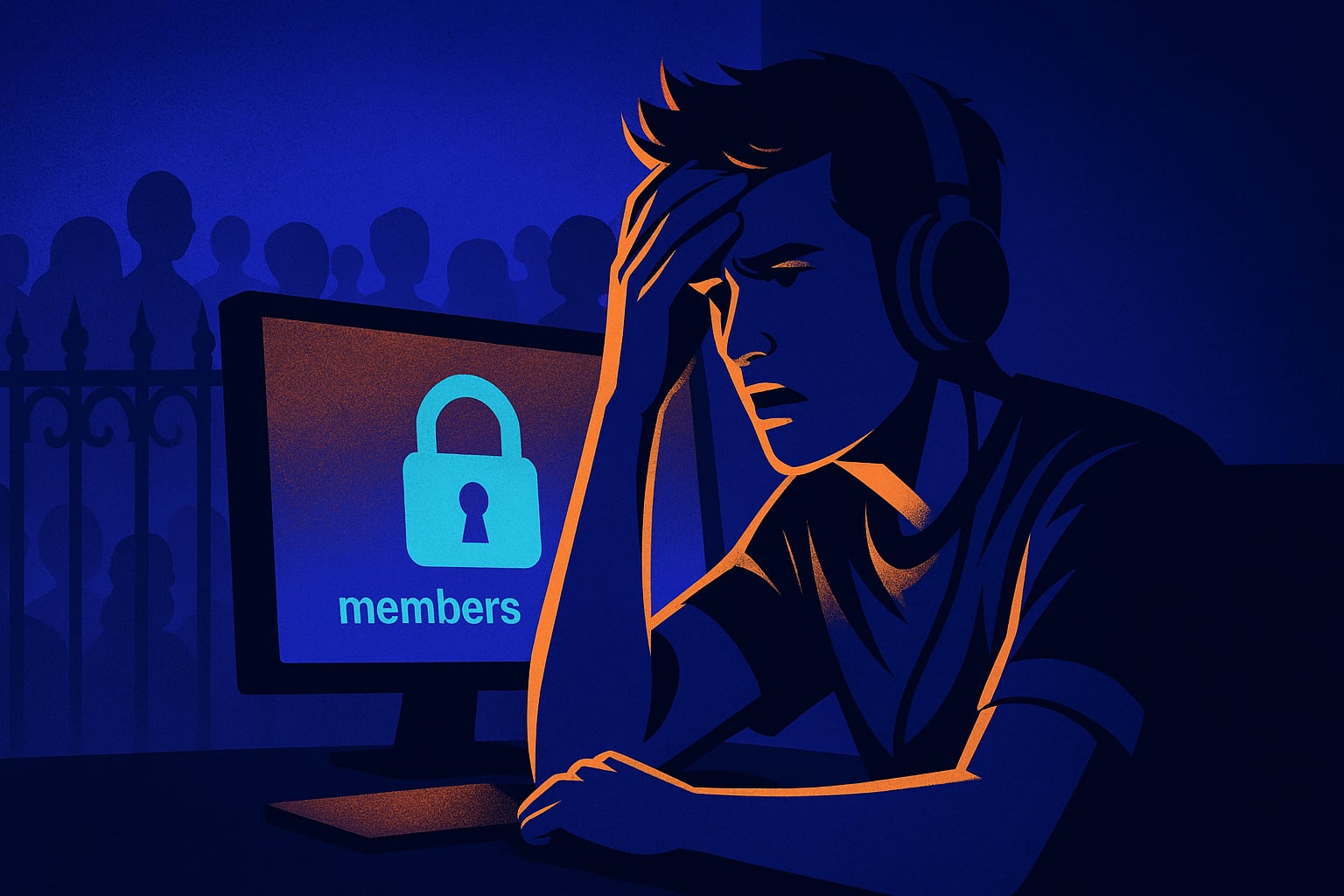
Discord's phone verification setting blocks most real members who just want to join your community. It's meant for raid protection but kills organic growth dead. Here's what to use instead.
The setting that looks safe but is actually a trap
I set up my server for a small indie game community. Spent two hours on channels, roles, a proper welcome message. Shared the invite link in a Discord networking server with about 8,000 members. Got 47 clicks in the first hour. Three people actually joined.
I thought my server just wasn't interesting enough. Kept tweaking the description, changed the name twice. Checked the invite link a dozen times. It worked fine on my end.
Then someone DMed me: 'Hey your server is asking me to verify my phone number.' I hadn't touched that setting intentionally. But there it was, buried under Server Settings > Safety Setup: verification level set to 'Highest', which requires a verified phone number on the Discord account. Most people, especially younger users and anyone using a newer or alt account, don't have that tied to their profile. They hit the verification wall and just leave. They're not going to add their phone number to join a random gaming server they found five minutes ago.
It's the most common silent killer I see come up in communities built through BuildMyDiscord. The server looks fine from the inside. From the outside, it's basically a locked door with no sign explaining why.
What to actually use instead (and when each setting makes sense)
Discord has five verification levels. Most servers should sit at 'Medium', which just requires a verified email and an account that's been around for at least five minutes. That filters bots and throwaway raid accounts without touching real members.
'High' adds a ten-minute wait after joining before members can talk. That's actually a solid middle ground for servers getting raided or spammed, because bot waves almost never wait ten minutes. Real members will. Use High if you've had a raid before or you're growing fast enough that random bad actors are showing up.
Avoid 'Highest' unless you're running something genuinely sensitive, like a server tied to financial advice, a verified fan community for a big creator who attracts obsessive followers, or anything where you'd rather have 50 trusted members than 500 random ones. For a game community or content creator server under 10,000 members, it's almost always overkill.
The fix took me about ninety seconds. Server Settings > Safety Setup > Verification Level, drop it from Highest to Medium. Posted the invite again. Fourteen people joined in the next twenty minutes from the same networking server. Same link, same description, same server. Just a different wall height.
BuildMyDiscord sets Medium by default when it builds a server, which I didn't clock until after I'd already broken mine manually. It's one of those things that feels like a small detail until it's the reason your server never gets off the ground.
The part nobody talks about: verification and onboarding are two different things
Here's what tripped me up mentally. I was conflating verification level with onboarding quality. I thought a higher verification setting meant a better, more intentional community. It doesn't. It just means a higher barrier at the door, with no explanation to the person standing outside.
Real community quality comes from what happens after someone joins. A good onboarding channel, a clear rules post they have to acknowledge, roles that unlock based on actual engagement. That stuff filters for intent. A phone number requirement just filters for account age and whether someone gave Discord their number years ago.
If your server feels random and low-effort after people join, the verification level isn't the fix. But if your server is solid and nobody's getting in, check that setting first. It's almost always the culprit.
Frequently Asked Questions
Medium works for the vast majority of communities. It blocks bots and fresh throwaway accounts while letting real members join without friction. Only move to High or Highest if you've had active raid problems or you're running a very small, intentionally exclusive server.
The most common cause isn't the link itself, it's the server's verification level. If it's set to Highest, anyone without a phone number tied to their Discord account gets blocked silently. Check Server Settings > Safety Setup and drop the verification level to Medium.
Not meaningfully for most servers. Medium still blocks bots and accounts created seconds ago. You can add extra protection through Discord's AutoMod, a bot like those built into BuildMyDiscord servers, or a manual verification channel with a role gate, none of which require a phone number from your members.
Verification level is the barrier before someone can join or talk. Onboarding is what happens after they're in. A high verification level doesn't build a better community, it just reduces who can enter. Onboarding, rules acknowledgment, and role systems are what actually shape the quality of your members.
Build yours in about 3 minutes
Stop wiring up channels by hand. Describe it, and it builds itself.
Tell the AI what your community is for and get a full Discord server back, channels, roles, permissions and a management bot, ready before your coffee is.
Build my server freeRelated articles
I copied my Discord server's activity by faking it for three days. My real members never noticed. Then they did.
I seeded fake activity in my Discord server to kick-start conversations. It worked, then collapsed. Here's the exact moment it turned.
I gave my Discord server a 'dead hours' problem and fixed it by accident with one stupid small change
My Discord was active for 2 hours a day and silent for 22. I tried everything obvious. The fix was embarrassingly simple.
I made my Discord server's bot respond to everything. My members stopped talking to each other completely.
I automated every interaction in my Discord server and watched real conversation die in two weeks. Here's exactly what happened.