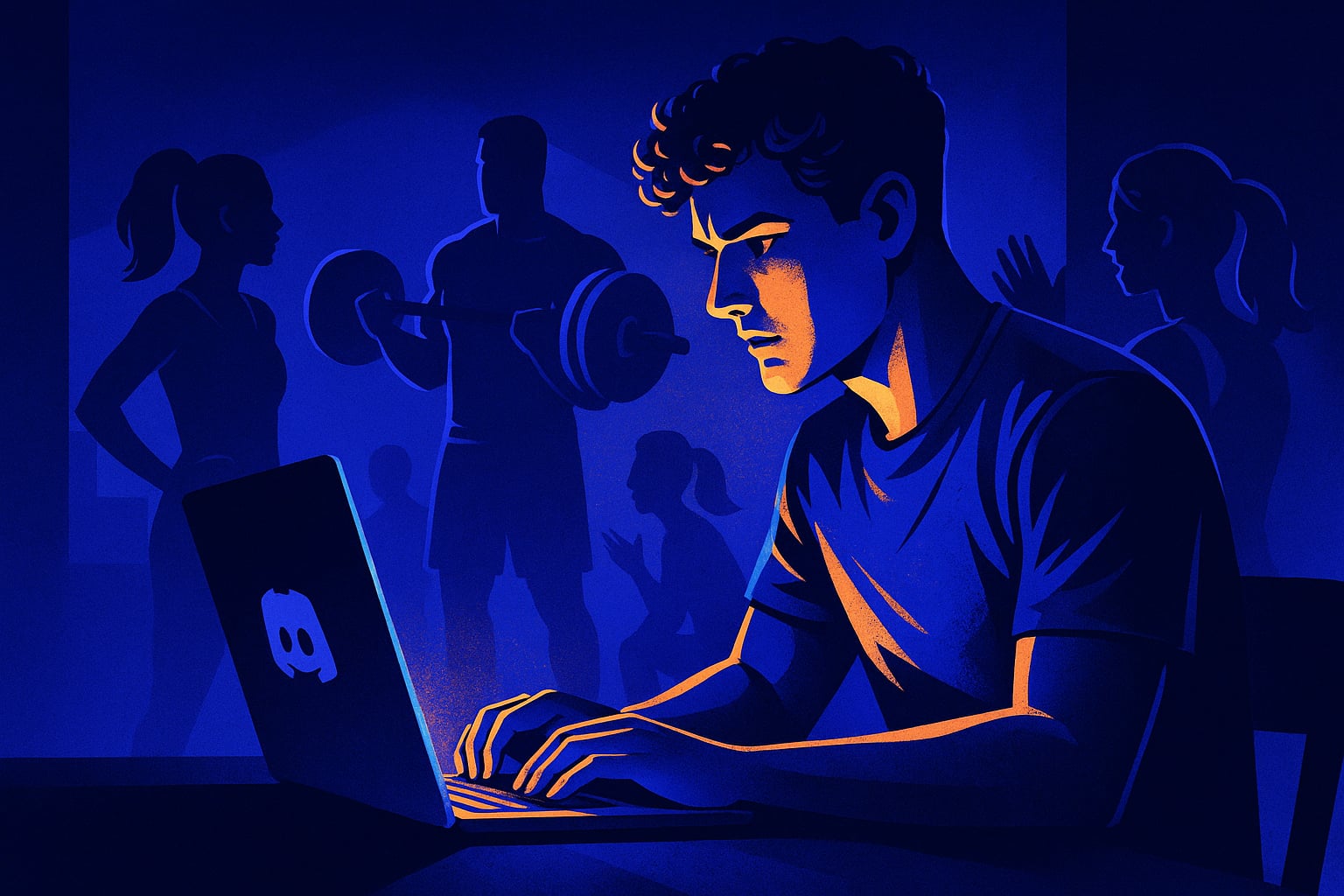
A fitness Discord server dies without accountability systems, clear channels, and regular check-ins. This guide covers the exact structure, bots, roles, and engagement strategies that keep health communities active past the first two weeks.
Why Fitness Discord Servers Die in the First Two Weeks
Most fitness servers fail for one reason that has nothing to do with fitness. They get the channel structure wrong from day one. Someone creates a #gym-talk channel, a #nutrition channel, a #progress-photos channel, and then waits for members to show up and bond over shared goals. Nobody does. The channels sit empty. The owner posts motivational quotes for a week and then gives up.
The problem is that fitness communities need structure that mirrors what actually keeps people accountable in real life. In real life, accountability happens through check-ins, small public commitments, and visible progress. A generic fitness Discord does none of that. It just dumps members into a topic and hopes conversation starts on its own. It almost never does.
The servers that work are built around daily rituals, not topics. A #daily-check-in channel where members post one sentence about what they did that day beats a #general-fitness channel every single time. One channel has a clear action. The other has a vague invitation. People respond to clear actions, especially around health where the stakes feel personal and a little vulnerable.
The Channel Structure That Actually Works
Keep the channel count low, especially at the start. Five channels is enough for a fitness server under 200 members. You want a #daily-check-in for short accountability posts, a #workout-logs for actual session details, a #progress-wins for celebrating milestones, a #ask-anything for questions, and a #off-topic for everything else. That is it. Resist the urge to add #supplements, #running, #weightlifting, and #yoga as separate channels until you have enough members who specifically need them.
The #daily-check-in channel is your engine. Pin a message at the top with a simple format: what you planned, what you did, one thing tomorrow. Three lines. Members who see others filling it out every day start filling it out too. It is not complicated. It is just visible commitment, and visible commitment is contagious in small communities. Set your moderation bot to auto-delete anything in that channel that is not a check-in post, otherwise it becomes a conversation channel and loses its function completely.
Once you hit around 150 to 200 active members, you can start adding role-gated channels. Members who have checked in for 30 consecutive days get access to a #veterans channel. Members who hit a progress milestone they post in #progress-wins get a special role. These locked channels give people something to work toward inside the server itself, not just in the gym. BuildMyDiscord can generate this kind of tiered role and channel structure automatically when you set up the server, which saves a lot of manual configuration work early on.
Bots That Actually Help a Fitness Server
Carl-bot is the workhorse here. Use it to set up a daily scheduled message in #daily-check-in at whatever time matches your community's main timezone. Something like 'Day 47 check-in is open. Post your update below.' It sounds small but it signals to members that the server is alive and running on a schedule. Communities that feel maintained attract more engagement than ones that feel abandoned, even if the maintenance is just a bot message.
For actual fitness tracking, Habit Bot or a custom webhook connected to a Google Sheet works well for logging streaks. Members love seeing a streak number next to their name. It adds a tiny game layer to the accountability system without turning the whole server into a points farm. Avoid over-gamifying it. A fitness server where people are chasing XP instead of actual workouts has lost the plot.
Statbot is useful for identifying when your server has dead hours. Most fitness servers peak in the morning and early evening, which matches when people are thinking about workouts. If your analytics show a dead zone every afternoon, that is a good time to schedule a bot-triggered conversation prompt, not another motivational quote, but an actual question like 'What is one thing you changed about your training this month?' Questions with a specific scope get answered. Open-ended prompts get ignored.
Roles, Accountability Systems, and Member Onboarding
New members in a fitness server need to know immediately what kind of community they have joined. Your onboarding flow should ask two things: what is your main goal right now (building muscle, losing weight, improving endurance, general health), and how often do you plan to check in. Collect these answers through a bot form or a simple #introductions template. Assign a role based on their goal. Now every member has a visible identity inside the server, and other members with the same goal can connect with them.
Build a streak role system with three tiers. Week Warrior for 7 consecutive check-ins, Monthly Member for 30, and something like Iron Habit for 90. Give each tier a different color so you can see at a glance who the consistent members are. These roles do something important beyond recognition: they give new members a visible thing to aspire to when they join and see people with Iron Habit next to their name. It answers the implicit question every new member asks, which is whether this place is actually serious or just another dead server.
BuildMyDiscord handles a lot of this setup automatically if you describe your community type when creating the server. The AI can pre-configure role hierarchies, onboarding flows, and channel structures based on community type, which means you skip the two hours of manual bot configuration and get straight to actually building the community. For a niche server like fitness where the structure matters more than the channel count, that head start is significant.
Keeping the Server Active Past the First Month
The 30-day mark is where most fitness servers either find their rhythm or quietly die. Members who joined with motivation fade out, and if the server has no structure that rewards consistency, there is nothing to pull them back. The fix is weekly community events that are low-pressure and easy to join. A Monday kickoff thread where everyone posts their week's main goal. A Friday recap where they post what they hit and what they missed. These two anchors alone can keep a mid-sized fitness server feeling alive.
Monthly challenges work better than ongoing vague encouragement. Pick one thing, keep it simple, track it publicly. A plank challenge where members post their time each day for 30 days. A step count competition over two weeks. The specificity matters. Challenges with clear rules and an end date get more participation than permanent channels with no defined purpose. When the challenge ends, celebrate the people who completed it visibly. Post a summary. Give them a temporary role. Then announce the next one.
Moderate the tone carefully in the first 60 days. Fitness communities can drift toward toxic comparison, diet culture extremes, or unsolicited advice, and once that tone sets in it is very hard to reverse. Keep your mod guidelines explicit: share your own experience, do not prescribe what others should do, no unsolicited feedback on body or food choices. Pin these in the onboarding flow and in #ask-anything. A community where members feel safe posting imperfect check-ins is a community that actually gets check-ins.
Frequently Asked Questions
Five channels is enough for a new fitness server: a daily check-in, a workout log, a progress wins channel, a general questions channel, and an off-topic channel. Adding more channels before you have the members to fill them makes the server look dead and overwhelms new joiners. Expand the structure only when specific conversations are getting crowded in an existing channel.
Carl-bot handles scheduled messages and moderation, which covers the core needs. Statbot gives you analytics on when your members are most active. For streak tracking, a lightweight habit bot or a custom webhook to a spreadsheet works well. Avoid stacking too many bots early on. Two or three well-configured bots beat ten half-configured ones every time.
The onboarding flow needs to ask for a small action immediately, not just a welcome message to read. Prompt new members to post a one-sentence intro in a dedicated channel, or answer a bot form about their fitness goal. Members who take one action in the first five minutes are significantly more likely to come back than members who just browse and leave. Give them something specific to do before they close the app.
Pick a challenge with a daily visible action, not a vague goal. 'Post your step count every day this week' works better than 'try to move more this month.' Create a dedicated channel for the challenge duration, pin the rules at the top, and have a bot or mod post a daily reminder thread. When the challenge ends, post a summary of everyone who completed it and announce the next one immediately so there is no gap.
Yes. BuildMyDiscord lets you describe your community type and goals, and the AI generates a full server structure including channels, roles, and onboarding flows tailored to that niche. For a fitness server, it can pre-configure accountability roles, tiered streak systems, and moderation settings without manual bot setup. It is a practical starting point, especially if you want the structure right from day one instead of rebuilding it after the first month.
Build yours in about 3 minutes
Stop wiring up channels by hand. Describe it, and it builds itself.
Tell the AI what your community is for and get a full Discord server back, channels, roles, permissions and a management bot, ready before your coffee is.
Build my server freeRelated articles
Discord Music Server Setup: How to Build a Thriving Music Community in 2026
Learn how to build an active Discord music server from scratch, with the right channels, bots, roles, and events that keep musicians talking.
Discord Art Server Setup: How to Build a Creative Community That Actually Creates in 2026
Build a Discord art server that inspires real creativity. Setup tips, channel structure, bot recommendations, and engagement strategies that work.
Discord Education Server Setup: Build a Learning Community That Actually Teaches in 2026
Learn how to build a Discord education server that keeps students engaged, organized, and coming back. Real setup advice for 2026.